On this page
What does each difficulty change?
Openworld is a voxel sandbox on a whole, round planet — walk straight and you come back to where you started — under a real sky with Moon phases and eclipses, all the way to the Sun, by way of the Moon and the planets. When the Sun goes down, the night monsters come out. How many, how fast and how mean: that is what the difficulty decides.
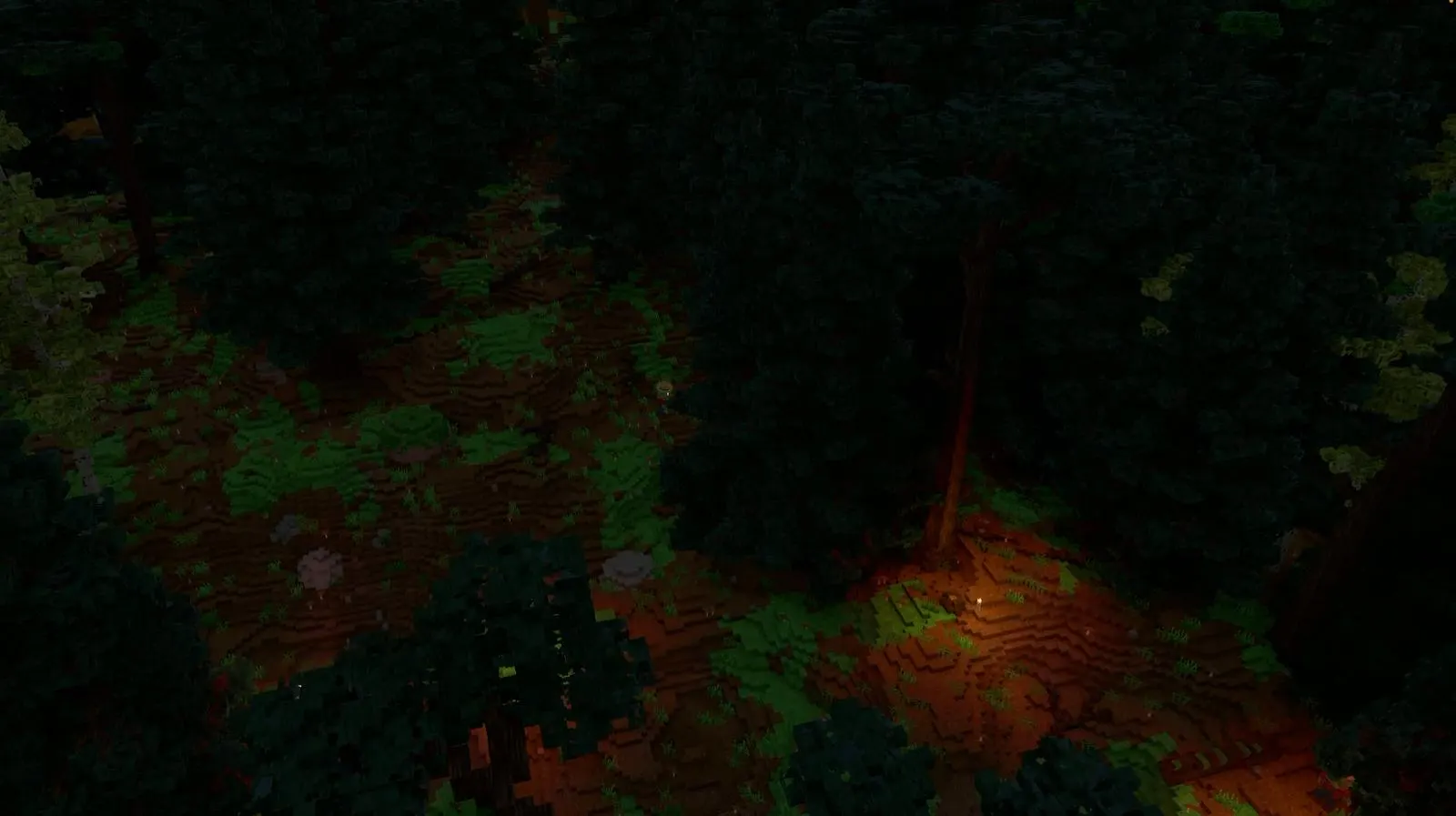
The game keeps a single table with one line per level. The server reads it for the creatures, your game reads it for your hunger. Slide through the six levels below: it's the same night, around the same campfire, seen from above.
slide · click a monster
Level by level
Monsters are counted around each player (up to 64 m away). You have 100 health points. A player walks at 4.3 m/s.
Easy — the peaceful mode
- Monsters: none. Those already there vanish, leaving nothing behind; a /summon of a monster is refused. Animals stay.
- Hunger: moving tires you half as much, and the food gauge drops very slowly standing still. It stops at half your health: hunger never kills.
- Meals last 1.5 × longer, and health comes back sooner: the pause between two healed points is a quarter shorter than at Normal.
- For: building in peace, playing with young children, exploring the planet without a fight.
Moderate — a gentle night
- Monsters: up to 7 around you. They notice you at 16 m, give up past 24 m, and chase slowly (a zombie: 2.4 m/s).
- Blows: 0.6 × as strong, with longer pauses between them.
- Hunger: stops at 30 % of your health. Meals last 1.25 × longer.
Normal — the default
- Monsters: up to 12. They notice you at 28 m and follow you up to 36 m. A zombie chases you at about 3.1 m/s: you can still walk away.
- Blows at full strength: a zombie takes a big bite out of your health, a troll a much bigger one.
- Hunger drops even when you stand still, and a good meal holds it: a cooked steak keeps the gauge full for 5 minutes, bread 3 minutes, a raw steak 30 seconds. At zero, it leaves you a sliver of health.
Hard
- Monsters: up to 15, and the world tries to bring them 15 % more often. They see you at 32 m, follow you to 40 m; a zombie runs at 3.6 m/s.
- Blows: 1.5 × harder, and quicker.
- Hunger can kill. Meals last 0.8 × as long, and health comes back more slowly.
Very hard
- Monsters: up to 19, 1.35 × as many tries. They see you at 36 m; a zombie runs at 4.2 m/s — almost as fast as you walk.
- Blows: twice as hard. Hit a neutral animal and its whole herd joins the fight.
- Hunger: kills, and food goes fast (meals last 0.65 × as long).
Terrible — the hardest difficulty
- Monsters: up to 26 around you, 1.7 × as many tries. They see you from 44 m and follow you to 64 m.
- A zombie runs at 4.8 m/s: faster than you walk. You have to sprint.
- Blows: 2.5 × harder, with barely half the pause between them. A troll's slam is brutal.
- Hunger: moving tires you twice as much, meals last half as long, healing is twice as slow, and hunger kills. Every meal counts.
- 6difficulty levels
- 0monsters at Easy
- 26monsters at most at Terrible
- ×2.5damage at Terrible
Easy
- No monsters at all
- Hunger stops at half your health
- Meals last 1.5 × longer
- Health comes back sooner
Terrible
- Up to 26 monsters around you, seen from 44 m
- A zombie runs at 4.8 m/s: sprint
- Blows 2.5 × harder, hunger kills
- Meals last half as long, healing twice as slow
Which difficulty for a first world?
Normal, the default — that's where new worlds start. Monsters are a real threat at night, but you can always walk away from a zombie, and hunger never finishes you off. If you just want to build, or you play with a child, pick Easy. If you know your way around survival games and want tension from the very first night, try Hard. Keep Terrible for when you have a shelter, armour and a full larder. New to the game? The beginner guide walks you through your first nights.
Can I change difficulty later?
Yes, at any time, and the change applies at once. In solo, press Esc, open Options, then the Game tab: the six levels are there, the world's one in green, the hard ones in red, and the line at the bottom explains the one under your mouse. One click and everyone gets the message: “Difficulty: …”. The world's card in the world list shows its difficulty too.
What is “Terrible” mode?
The top of the ladder, for people who want the night to be scary. Hordes, zombies you only escape by sprinting, blows at 2.5 ×, and hunger that kills. But it is not permadeath: like at every level, death sends you back to your respawn point — your starting spot, or the bed you slept in. Prepare: armour from the forge, walls, a bed, cooked meat.
Difficulty on servers
A world has one difficulty, the same for everyone in it: friends playing together share it. On a server, everyone can read it with /difficulty; changing it (/difficulty hard) takes the permission to do so — the solo host and the server's super admins have it. The server's console, its settings file and its web dashboard can set it too. More on playing together in play with friends and host your own server.
/difficulty            → shows the world's difficulty
/difficulty hard       → changes it (needs the permission)

server.json: "world": { "difficulty": "normal" }Follow Openworld
@play_openworld is Openworld's official Instagram page: videos of the game and news of every update.
@play_openworldOpenworld is created by @tompascard
Questions
Is there a peaceful mode in Openworld?
Yes: Easy. There are no monsters at all — those already there vanish — and hunger never takes you below half your health. Animals are still around.
Does difficulty change the loot?
No. A creature drops the same things at every level. Harder levels bring more monsters, so more to collect, but at Easy the monsters that vanish leave nothing behind.
Can friends play on different difficulties?
Not in the same world: the difficulty belongs to the world (or the server), so everyone in it shares the same one. Each of your solo worlds can have its own.
Do monsters get smarter at higher difficulty?
They don't think differently, but they notice you from farther away (28 m at Normal, 44 m at Terrible), chase you faster, hit harder and more often, and stay angry longer. Hit a neutral animal at Very hard or Terrible and its whole group joins in.
Is Terrible permadeath?
No. At every difficulty, you come back at your respawn point after dying: where you started, or your bed if you slept in one at night.
Does difficulty make the nights darker or longer?
No. Night and day follow the real Sun of the planet, the same at every level. Difficulty only changes the monsters and your hunger.
Where do I change the difficulty?
In solo: Esc → Options → Game tab, then click a level. On a server: the /difficulty command (with the permission), the server console, its settings file or its web dashboard.
Three steps, then pick your difficulty
- 1Install Openworld with the downloaded file: it sets up the launcher.
- 2Create your account in the launcher and confirm your email.
- 3Pick your username… and play.
Openworld is played on a computer: Mac, Windows or Linux. Send yourself the link, we'll be waiting on the other side.