On this page
What games can Mac and PC play together?
Fewer than you'd think. Most big multiplayer games skip the Mac, or ask Mac players to pay for a different edition, or put Linux players on a list of "maybe one day". So the group splits: the PC players play, the Mac player watches.
Openworld is a voxel sandbox on a whole, round planet — walk straight and you come back to where you started — under a real sky with Moon phases and eclipses, all the way to the Sun, by way of the Moon and the planets. It's built for Mac (native on Apple Silicon, and Intel), Windows and Linux from the same code, and every version of the game speaks the same network protocol. A friend on an M2 MacBook, another on Windows 11 and a third on Linux end up in the same world, with no "Mac server" or "PC server".
- 3systems in the same world: Mac, Windows, Linux
- 100players per server by default
- 1account per player: it carries your name and skin everywhere
- 1rule: everyone on the same version
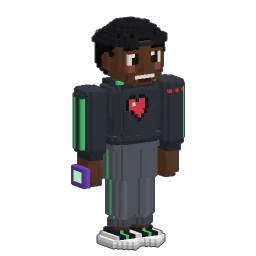
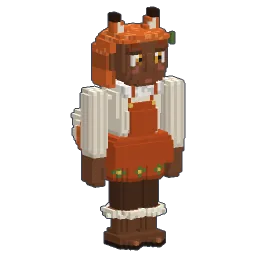
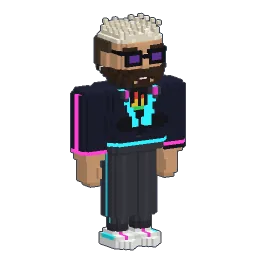
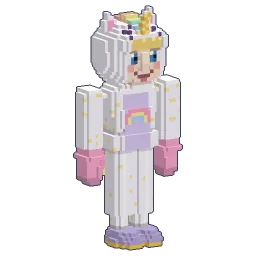
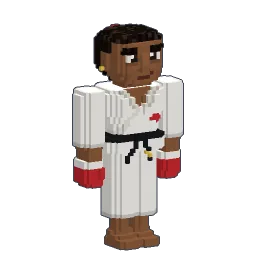
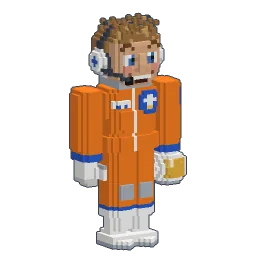
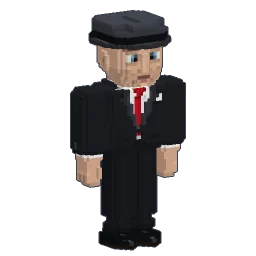
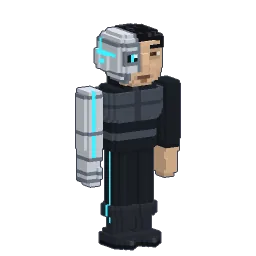
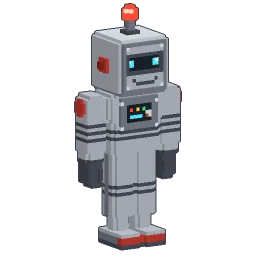
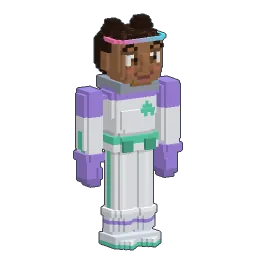
click a friend · drag to turn
The only rule: everyone runs the same version. The server list shows a red "Incompatible" card when a server runs another version, with the version to launch. The launcher keeps several versions side by side, so switching takes a click.
What each friend needs (5 minutes)
Openworld is out and playable now, in alpha: each person needs the game and their own account. Here's what to send your friends, in order.
- 1
Download the game
From the download section: the site picks the right file for their computer — Mac (Apple Silicon or Intel, macOS 11 or newer), Windows 10 and 11, or Linux.
- 2
Create an Openworld account
In the launcher, then confirm the email. One account per person: it carries your username and your skin to every server.
- 3
Pick the same version
The version chip next to PLAY: everyone on the same one, and you're set.
Open your solo world to friends
The easiest way to play together needs no server at all. Start (or reopen) a world in Solo, then invite your friends straight into it.
- 1
Open the pause menu
Press Esc in your solo world, then Host on local network.
- 2
Pick a port (or don't)
Leave the port empty: a free one is picked for you. The menu then shows the addresses to give your friends, with a Copy button.
- 3
Your friends join
In their game: Multiplayer → Direct connect, paste your address (with its port), and they land in your world. You get a toast for each one: "… joined your world".
- 4
Close when you're done
Close LAN in the pause menu, or simply quit: when the host leaves, everyone is disconnected.
In your own world you're the boss: the host is SuperAdmin, guests join as regular players. New guests start in the world's game mode (survival or creative), and each friend comes back to their own spot and their own backpack next time: the game saves every player separately, by account.
Playing on LAN: same house, same network
LAN means the computers share a network: the same Wi-Fi at home, at a friend's, at a LAN party. That's the case the Host on local network menu is made for: your friends type the local address it shows (something like 192.168.1.20 plus the port) and they're in.
- Everyone needs the Internet anyway: even on LAN, each guest's account is checked online, like on a server.
- The firewall may ask the host's computer to allow the game: accept, otherwise nobody gets in.
- From another house? The menu says it: forward the port (UDP) on your router to your computer, then give your public address. Not comfortable with that? A server is the clean way — see below.
Joining a server
A server is a world that stays on, even when you're not there. In Multiplayer, the list shows each server with its picture, name, description, players / slots and ping. Add a server keeps its address in the list; Direct connect joins once without saving it; a double-click joins.
Servers you join through the launcher check Openworld accounts: that's what lets everyone see your real skin and keeps your username yours. Some servers run offline (no accounts, everyone in the default skin): handy on a network cut off from the Internet.
What you can do together
Openworld isn't a lobby with a minigame: it's a whole planet you share. Here's what changes when you're not alone.
- See each other for real: every player wears the skin they made, with their gestures, what they hold and where they look. Hold Tab: the list of connected players shows each one's skin head and ping.
- Talk: T opens the chat. Usernames get their own colour, arrivals and departures are announced. There's no voice chat in the game: use the voice app your group already has.
- Build the same base: a server keeps chests, machines and everything you place. Server admins can protect an area so nobody breaks your house. Then decorate it together, and share blueprints of the pieces you design at the architect desk.
- Set homes: on servers,
/sethome,/homesand/homebring you back to your favourite spots (3 homes for a regular player by default). - Share the map: M opens the map of what you've explored; admins can pin public checkpoints for everyone, and each player has their own.
- Go to the Moon together: rockets land and stay on the server, and the others see them. Pick a launch pad, and aim for the Moon.
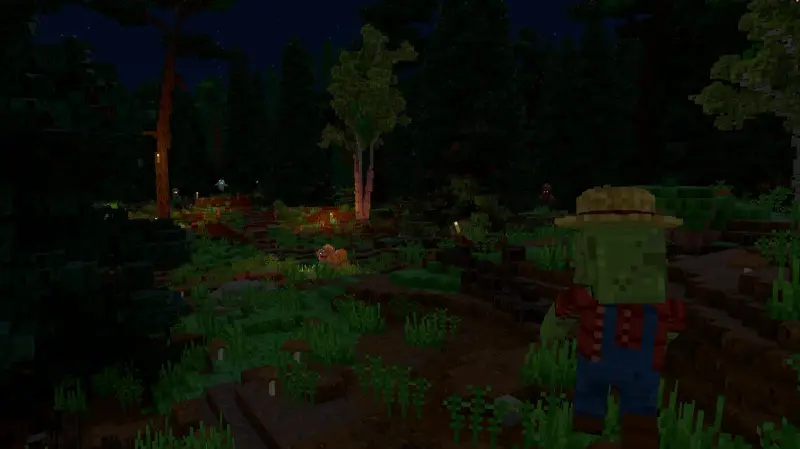
And because the planet is round, a group can really set off on an expedition: walk straight with your friends and you'll come back to your base from the other side. Want a calmer evening? The difficulty of a shared world goes from Easy (no monsters) to Terrible, the same for everyone in it.
How many players can play together?
A server is set up for 100 players by default, and its owner can change that number (from 1 to 1,000 places). In a world you host from your solo game, it's your own computer that hosts everyone: four or five friends are a comfortable evening; beyond that, a dedicated server takes the load off your game.
Your solo world, hosted on your local network
- Nothing to install: two clicks in the pause menu
- You're the host and the boss
- The world closes when you leave
- Perfect for a few friends, one evening
A server
- Stays on, even without you
- Roles, protected zones, homes, borders
- Up to 100 players by default
- Run it yourself: the server guide
Invite your friends: the message to send
Copy, paste, send in your group chat:
Tonight, Openworld? It runs on Mac, PC and Linux. Download it from play-openworld.com, and create your account. I'll host my world, I'll send you the address.
Unsure which computer to use? Here's Openworld on Mac, on Windows and on Linux. New to block-building games? This guide to voxel sandbox games gives the lay of the land.
Follow Openworld
@play_openworld is Openworld's official Instagram page: videos of the game and news of every update.
@play_openworldOpenworld is created by @tompascard
First evening together? Read the beginner's guide to your first nights before the sun goes down: building a shelter for six is easier when one person knows where the coal is.
Three steps, then call your friends
- 1Install Openworld with the downloaded file: it sets up the launcher.
- 2Create your account in the launcher and confirm your email.
- 3Pick your username… and play.
Openworld is played on a computer: Mac, Windows or Linux. Send yourself the link, we'll be waiting on the other side.
Questions
Can Mac and PC players play Openworld together?
Yes. Mac (Apple Silicon and Intel), Windows and Linux players join the same servers and the same worlds hosted on a local network. The only condition: everyone runs the same version of the game, which the launcher lets you pick.
Do my friends need their own account?
Yes: each player needs the game and an Openworld account (created in the launcher). Several accounts can live on the same computer.
Can we play together without a server?
Yes: host your solo world from the pause menu (Host on local network). Friends on the same network join with Multiplayer → Direct connect. From another house, forward the port on your router, or use a server.
Is there voice chat?
Not in the game: Openworld has a text chat (T) with coloured usernames and join/leave messages. For voice, use the app your group already uses.
How many friends can join my world?
A server is set for 100 players by default. A solo world hosted on your local network runs on your own computer, so a small group is the comfortable size; for more, host a dedicated server.
Can we go to the Moon together?
Yes. On a server, rockets that land are kept and shown to the other players, and everyone can make the trip — unless the server's owner has closed space travel. Rocket parts are crafted in Survival, and handed out in Creative.
How do we get into Openworld with friends?
Each player downloads the game from the site, creates an Openworld account in the launcher, and plays.