On this page
- What is a voxel sandbox game?
- The world: a round planet instead of a flat map
- Building: finer blocks
- Survival: a fair fight, at your pace
- Machines: factories, electricity and logic
- Sky and space: more physical rules
- Together: friends, local network, servers
- Mac, Windows and Linux
- What is not there yet
- Try Openworld in a few minutes
- Questions
What is a voxel sandbox game?
A voxel is a small cube of world. In a voxel sandbox, the ground, the trees, the water and the walls of your house are all made of them, and you can break any one and put it somewhere else. There is no fixed story: you set your own goals. Some players build cathedrals, some explore caves, some survive the night, and some wire up machines that run on their own.
The genre is easy to enter, since the controls are familiar: walk, break and place blocks, craft. Games in it differ a lot on what comes after. That is the list to check before you pick one.
- The world: flat map or round planet, how big, how it is generated.
- Building: how fine the blocks are, and what you can make with them.
- Survival: monsters, hunger, tools, armour, and how deep the crafting goes.
- Machines: whether automation and electricity are part of the game itself.
- Sky and space: whether there is something to reach above your head.
- Together: servers, local network, friends on other systems.
- Platform and honesty: Mac, Windows, Linux, and whether the game tells you what is not finished.
The world: a round planet instead of a flat map
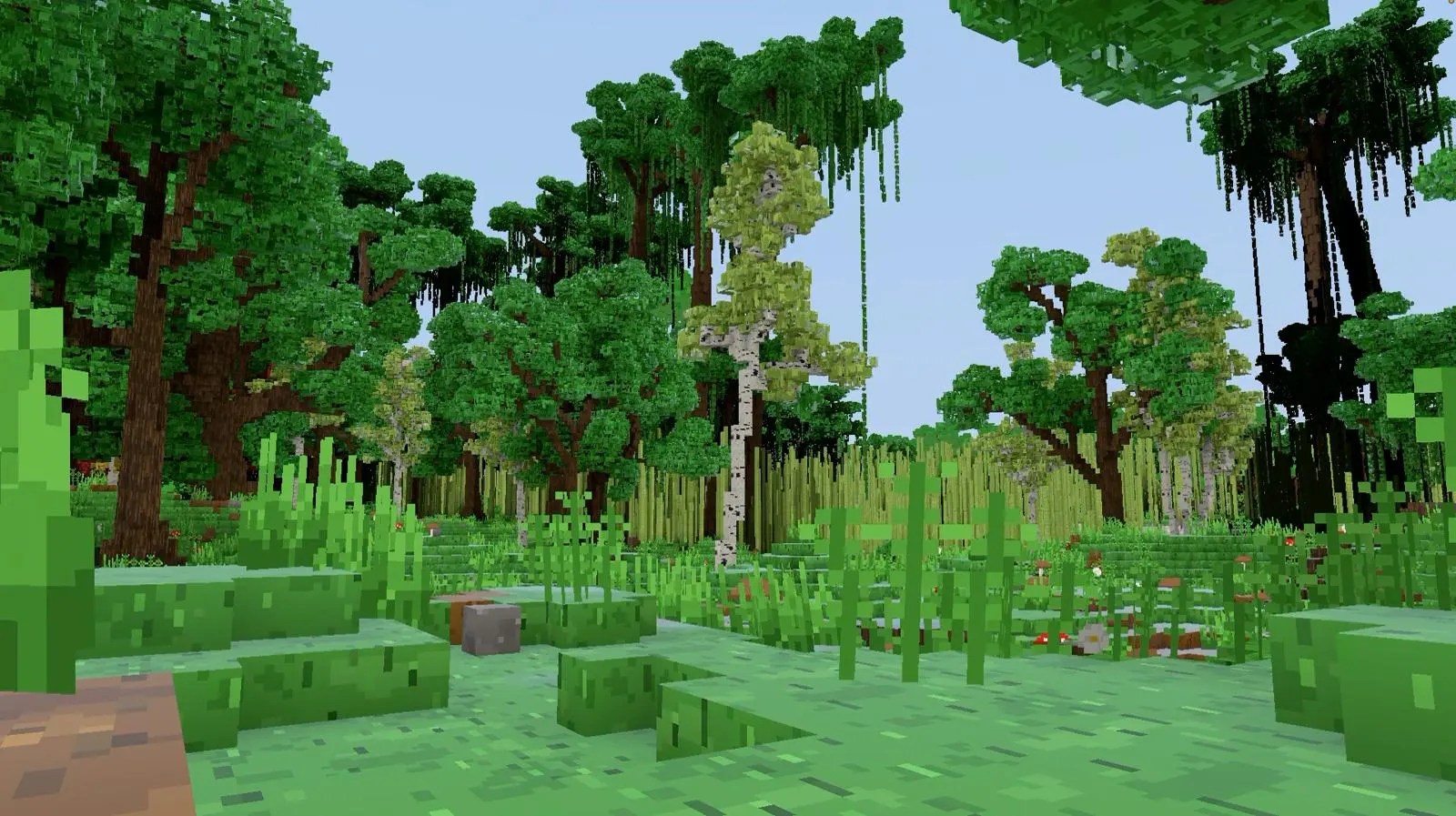
Openworld is a voxel sandbox on a whole, round planet: walk straight and you come back to where you started, under a real sky with Moon phases and eclipses, all the way to the Sun, by way of the Moon and the planets. The ground under your feet is the surface of a sphere with a radius of 1,000 km, about 6,280 km around. No edge, no wall at the end of the map. Fly high enough and you see the horizon curve. Here's the difference at a glance:
click the planet · click the walker
It changes more than the view. The Sun really goes around the globe: when it's noon for you, it's night on the other side. A day lasts 25 minutes, and the tilt of the planet gives the poles their long polar days and nights. Temperature follows latitude and altitude, so you find snow toward the poles and on the peaks, and deserts and jungles in between. More in our guide to a world that's actually round.
Building: finer blocks
The world is made of 25 cm voxels, four per metre, so you can build half slabs, thin walls, pillars and fences, or chisel a single voxel when you want detail. The planet has 35 biomes and 19 kinds of trees, caves with lava lakes, oil and geodes, and 63 creature species to meet along the way. More in building voxel by voxel, and in what a voxel game is.
A flat map
- A world that stretches out until it hits a border
- Blocks of 1 m
- A Moon painted on the sky
- A world that ends where the map ends
Openworld
- A whole round planet, about 6,280 km around
- Voxels of 25 cm: four per block, for finer builds
- A real Moon: phases, eclipses, and you can land on it
- No edge: walk straight and you come back
Survival: a fair fight, at your pace
A new world starts at dawn, empty-handed, with coal and iron waiting in the caves. You craft tools, eat, and watch your health, and armour comes in six materials, from hide to titanium. When night falls, night monsters come out, unless you play on Easy, where there are none at all. Pick your difficulty, from Easy to Terrible, where zombies run faster than you walk: all six are in our difficulty levels guide.
Machines: factories, electricity and logic
Automation is part of the game, not an add-on. Conveyors, pipes, cables, shafts and fibres link your chests and machines, and your factory is simulated even when nobody is near it: come back, the iron is waiting. Pumps drain water, oil or lava, and a refinery splits oil into kerosene, petrol, diesel and natural gas — real rocket propellants among them. Start with factories.
Electricity is built in too: generators, solar panels that follow the real sky, batteries, lamps, motors, and a radio on 256 channels. Since alpha 1.0.9, logic gates, delays and memory let you build clocks, counters and circuits that run on their own. See electricity and logic gates.
Sky and space: more physical rules
Openworld keeps the blocky look, but the world is finer and its rules are more physical:
- A real sky: the Sun, the Moon and the stars move along their orbits. Moon phases and solar and lunar eclipses come from geometry, not from a texture. See Moon phases and eclipses.
- The Moon is a place: its gravity is 1.62 m/s², and in the game you jump about four times higher (six in real life). Here's how to go to the Moon.
- Rockets that follow physics: engine, tanks, cargo module, cockpit and fairing; reaching orbit takes real orbital mechanics. Learn to build a rocket.
- A station in orbit: from a stable orbit, your rocket becomes a ship you build voxel by voxel. See the space station.
- Weather on the move: rain fronts, thunderstorms with lightning, snow, blizzards, sandstorms and fog. The ground gets wet, puddles form, snow settles.
- Flying like a person: a wingsuit from any cliff, then a parachute canopy you steer like a paraglider. It's all in our wingsuit and paraglider guide.

The horizon goes far, too: beyond the blocks around you, the distant terrain is drawn as simplified voxels up to 10 km away.
Together: friends, local network, servers
Openworld is multiplayer at heart. Even a solo world is a small server running on your own computer, so sharing it takes one click: Host on local network in the pause menu, and friends on the same network join you. For bigger groups there are dedicated servers, designed to welcome up to a hundred players. Mac, Windows and Linux players meet in the same world, and everyone sees your skin the way you made it.
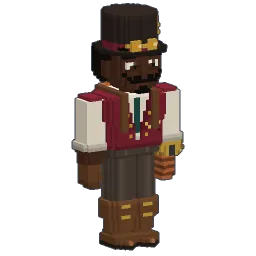
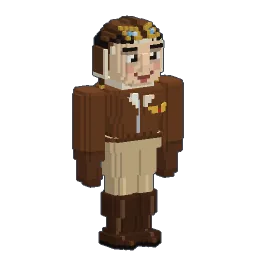
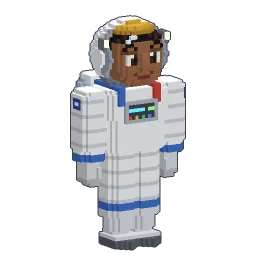
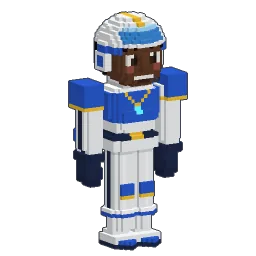
Want to set it up? Read how to play with friends, or go further and host your own server. Skins have their own guide too: 202 voxel skins are included.
Mac, Windows and Linux
Mac and Linux players usually get the short end of the stick. Openworld ships native builds for Apple Silicon Macs (M1 and later) and Intel Macs on macOS 11 or newer, for Windows 10 and 11, and for Linux, and everyone plays on the same servers.
We wrote a guide for each system: playing on Mac, playing on Windows and playing on Linux, with install steps and the first-launch prompts.
What is not there yet
Openworld is an alpha made by one person. Here's what you won't find yet:
- No sound yet: no music, no sound effects. It's on the list.
- No mods and no big community servers yet: you're early.
- Horses can be tamed, not ridden yet.
- Rockets can't be repaired yet: each part wears with re-entries and hard landings.
- Computer only: Mac, Windows and Linux. No phone, tablet or console version.
- Alpha bugs: things break and get fixed. When the game updates, the land you've already explored stays as it was.
Try Openworld in a few minutes
Follow your first nights, step by step. Other guides are waiting in Discover Openworld.
Follow Openworld
@play_openworld is Openworld's official Instagram page: videos of the game and news of every update.
@play_openworldOpenworld is created by @tompascard
Three steps and you're on the planet
- 1Install Openworld with the downloaded file: it sets up the launcher.
- 2Create your account in the launcher and confirm your email.
- 3Pick your username… and play.
Openworld is played on a computer: Mac, Windows or Linux. Send yourself the link, we'll be waiting on the other side.
Questions
What is a voxel sandbox game?
A game whose world is made of small cubes (voxels) that you can break, place and combine, with no fixed story. You build, explore, survive and sometimes automate. Openworld is one, on a whole round planet.
Can I build factories in Openworld?
Yes, with no mod: conveyors, pipes, cables, shafts and fibres link your chests and machines, and the factory keeps running even when nobody is near it. See the factories guide.
Can I go to space?
Yes. You build a rocket part by part, fuel it, and fly it to orbit or to the Moon, where gravity is 1.62 m/s². In Survival, the parts and the propellant are crafted in your own factories; in Creative, you just take them.
Does Openworld run on Mac and Linux?
Yes, natively: Apple Silicon (M1 and later) and Intel Macs on macOS 11 or newer, Windows 10 and 11, and Linux. Everyone joins the same servers. Download the game.
Can I play offline, or with friends?
Both. A solo world runs on your own computer, and you can open it to friends with Host on local network in the pause menu. You only need Internet to create your account and download the game. For bigger groups, dedicated servers hold up to 100 players.
How do I get into Openworld?
You create your player in the launcher, after downloading the game from the site.
Is Openworld finished?
Not yet: it is an alpha made by one developer, out and playable now. There is no sound yet, horses cannot be ridden yet, and bugs happen. The land you have already explored stays as it was when the game updates.