macOS
Apple Silicon (M1 and later) or Intel · macOS 11+
Mac Apple SiliconIntel Mac? Openworld-macos-x64.dmg
 OPENWORLD
Download
PASCARDOPENWORLD
OPENWORLD
Download
PASCARDOPENWORLD
A whole planet is waiting for you. Explore it, build on it, survive its nights.
You're on a phone.
…
Openworld is played on a computer: Mac, Windows or Linux. Send yourself the link, we'll be waiting on the other side.
psst… click on the creatures
bones collected 0
Under your feet
Dig.Under the grass, the earth. Under the earth, the rock. And under the rock…
Another world.Vast caverns, lakes of lava and oil, crystals glowing in the dark.
And it's not empty.Wisps, magma golems, bats… Grab a sword. A good one.
The sky
A whole solar system.The Sun, the Earth, the Moon… real celestial bodies, round, really spinning.
A round planet. For real.Walk straight ahead: one day, you'll end up right back where you started.
Then aim for the Moon.Fly up, leave the blue sky, touch down up there. Earth on the horizon, and you jump six times higher.
The sky is never just scenery.Sunrises, moon phases, eclipses. And other worlds on the horizon.
On the surface
Steamy jungles, scorching deserts, silent taigas: no landscape looks like another.
 01
01
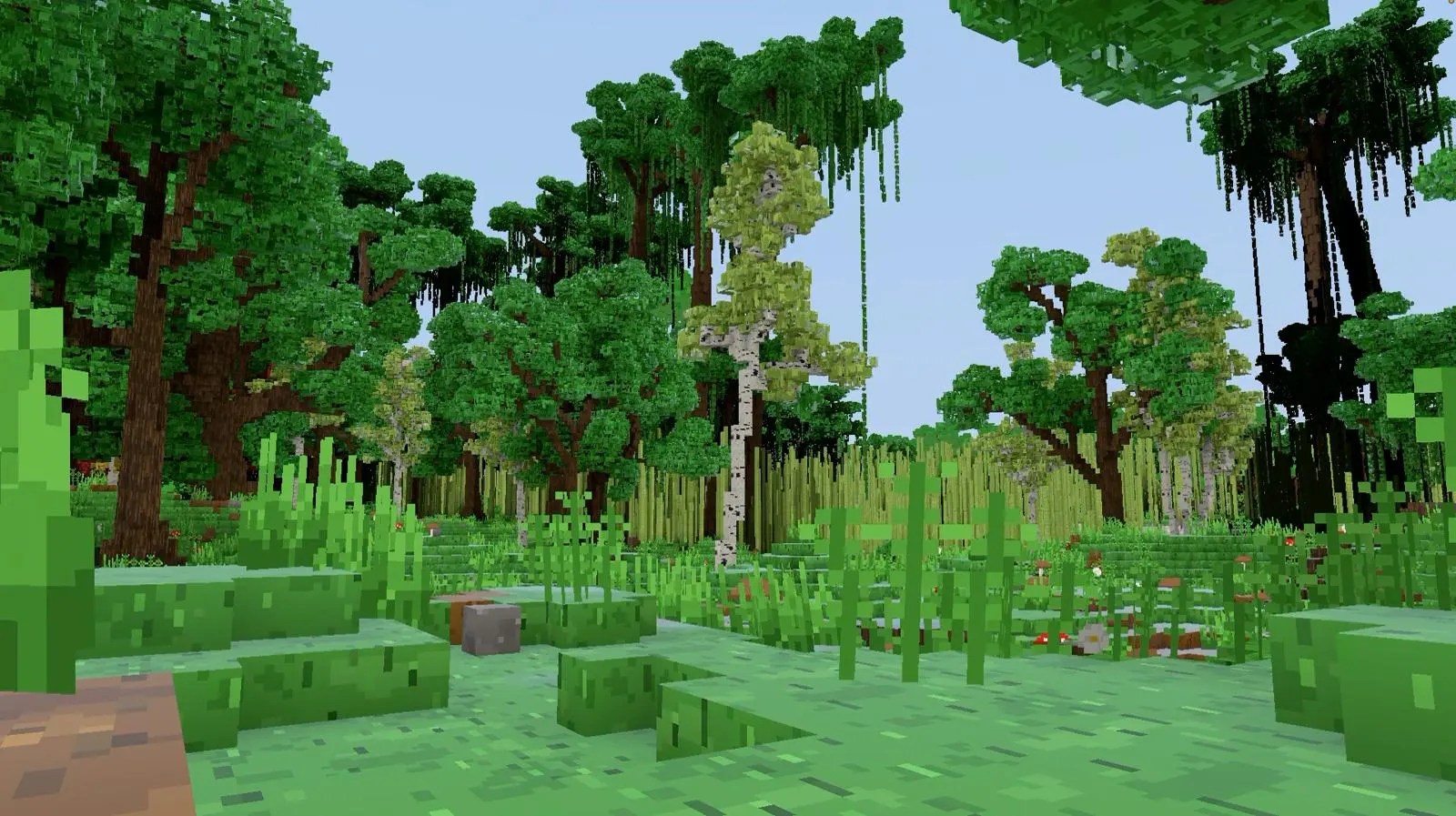
Forests that exist nowhere else. Towering trees, all different, vines, ferns, and that silence just before something moves.
 02
02
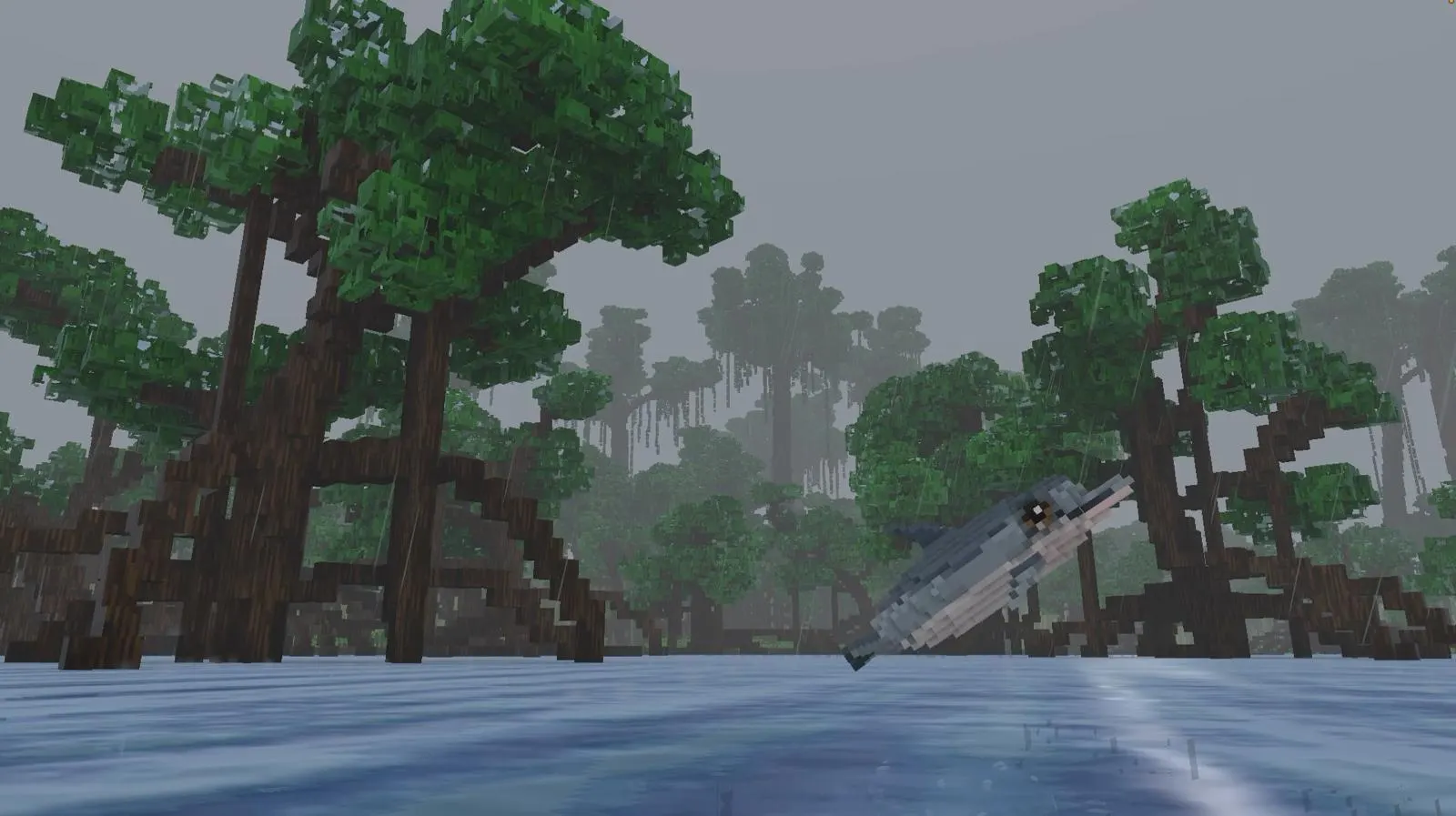
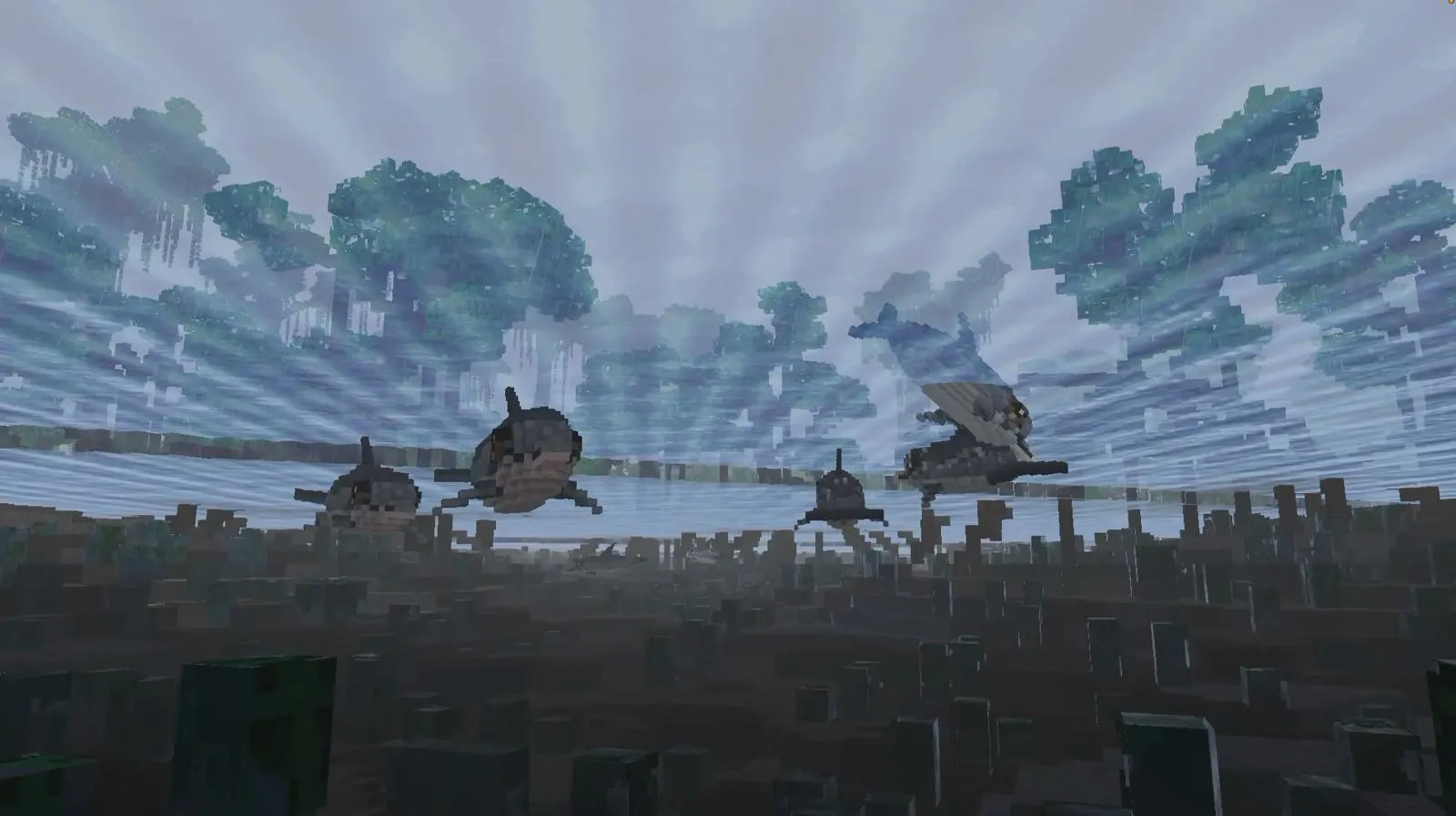
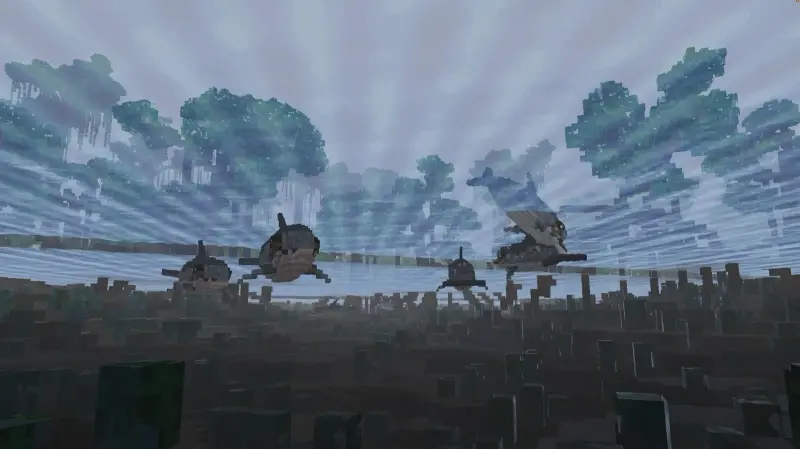
A mangrove in a thunderstorm, a dolphin leaping between the roots. Every valley hides another world.
 03
03
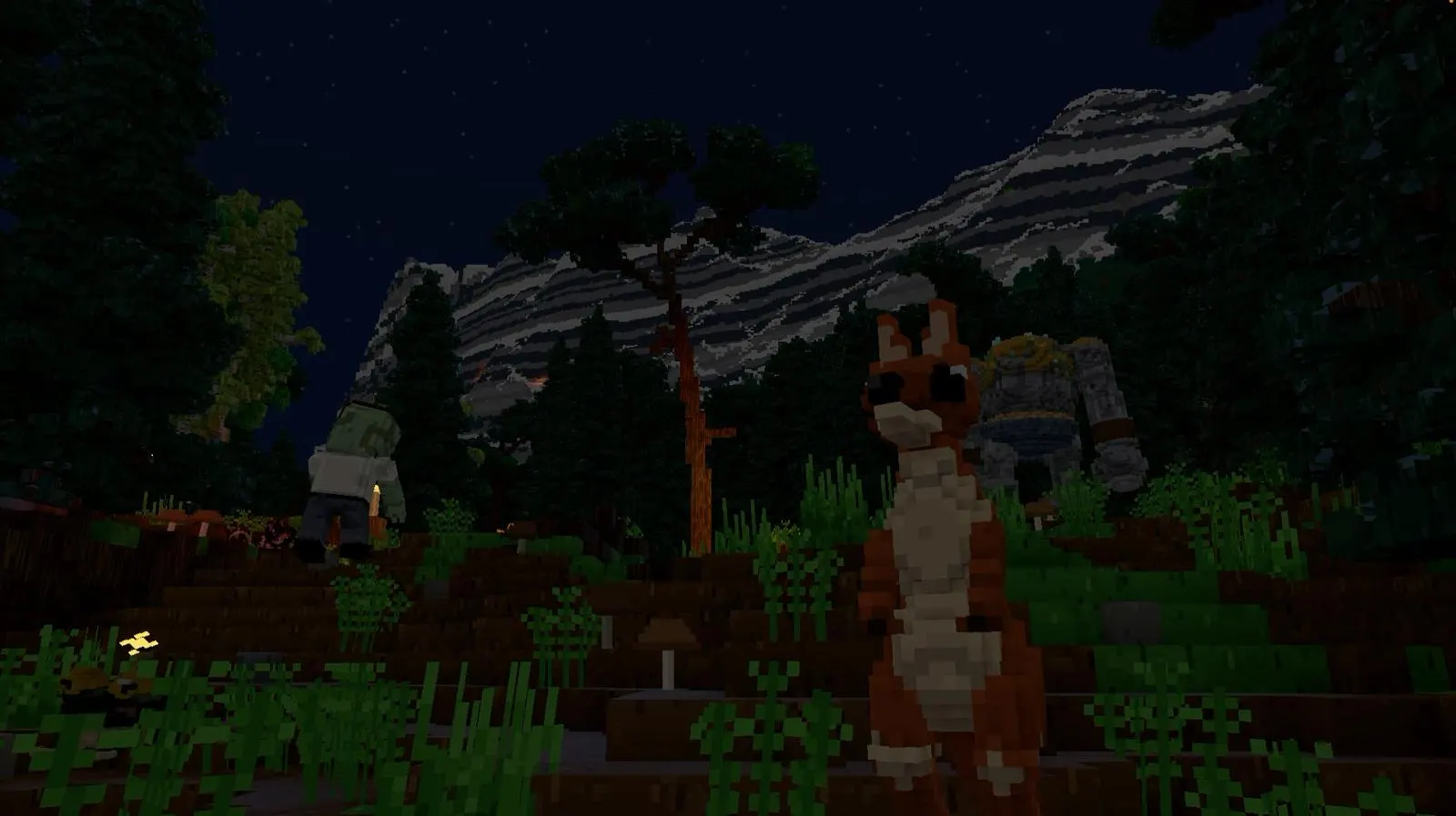
Snowy mountains under a sky full of stars. And that kangaroo giving you a funny look.
 04
04
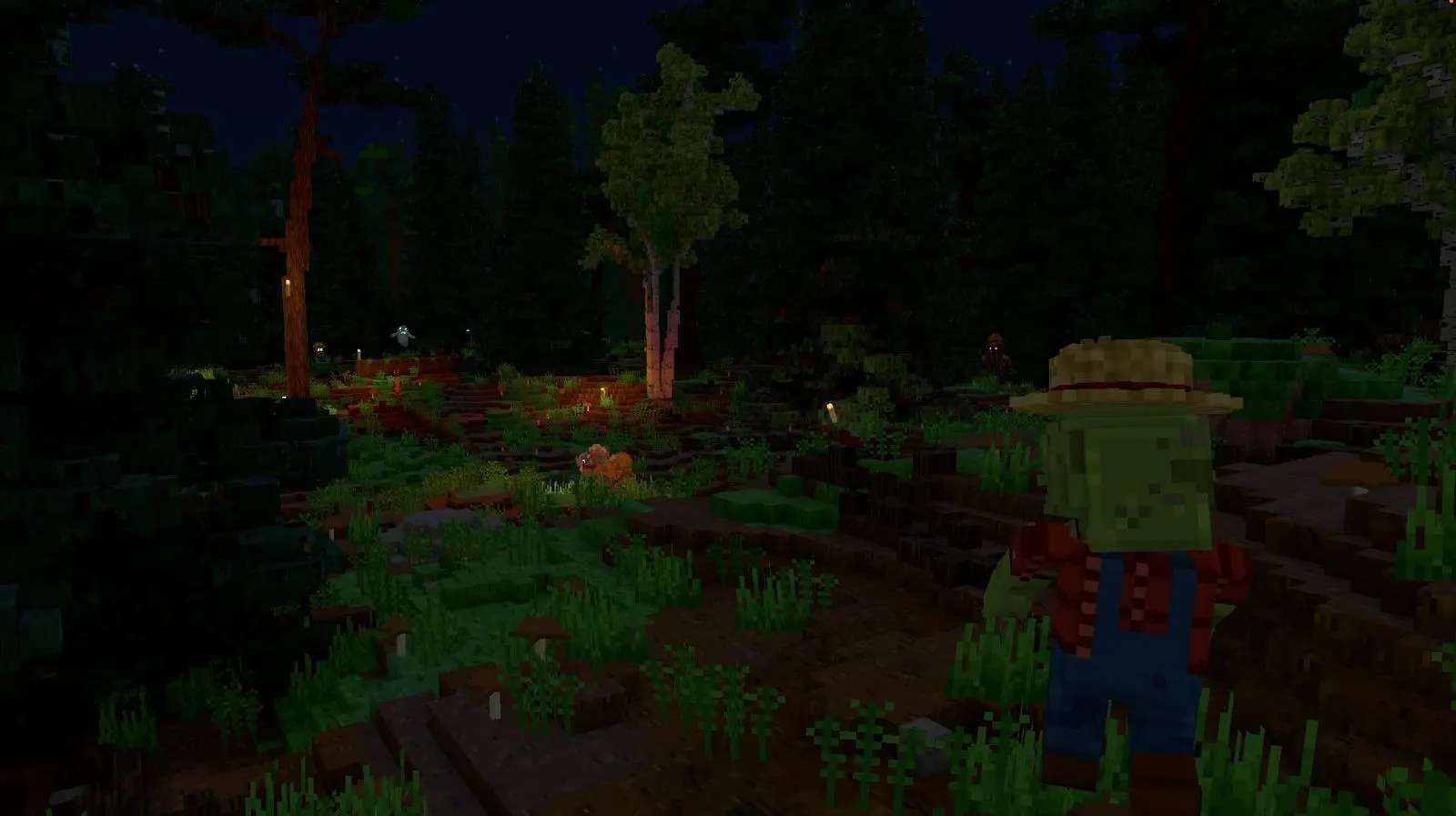
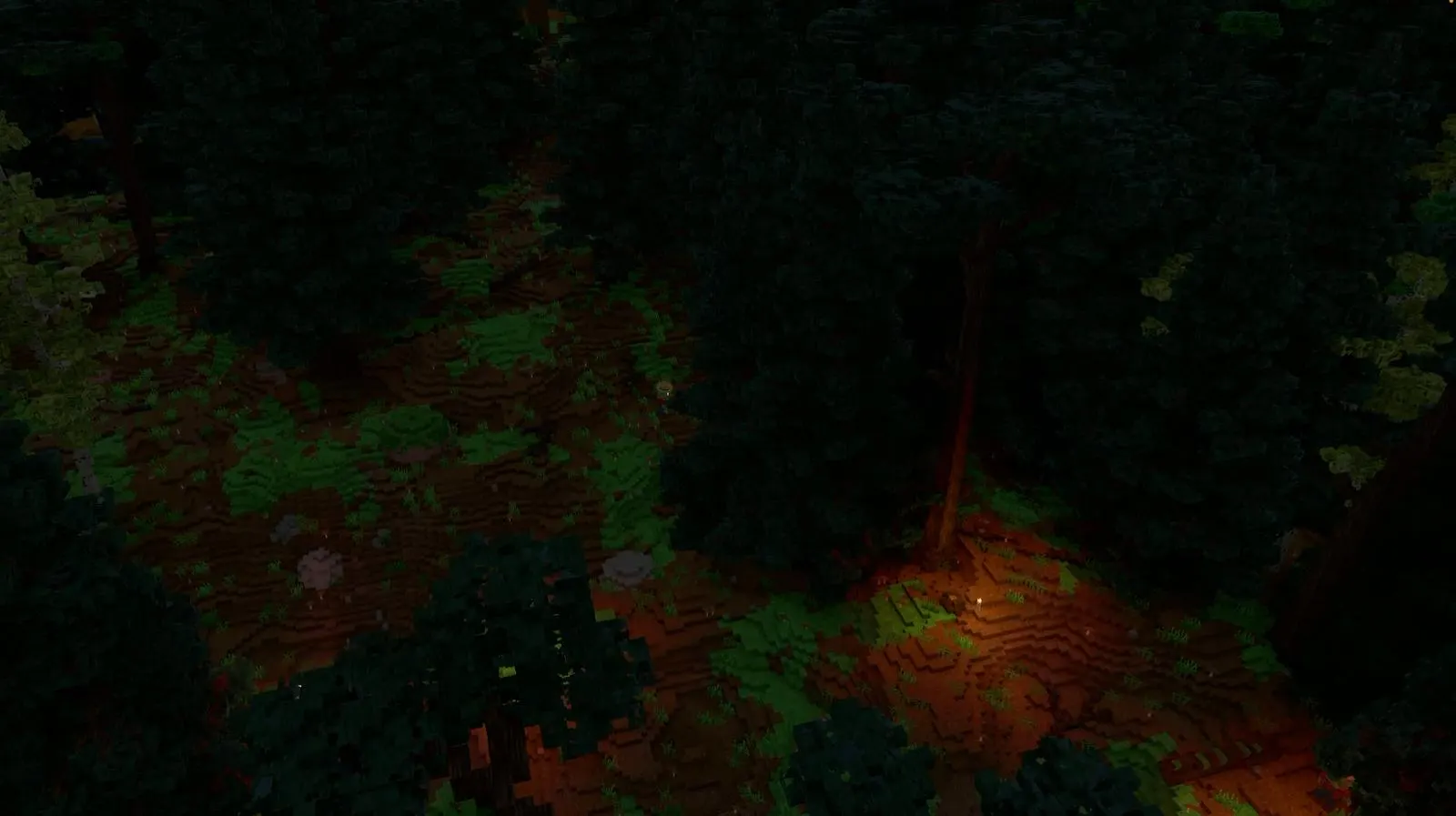
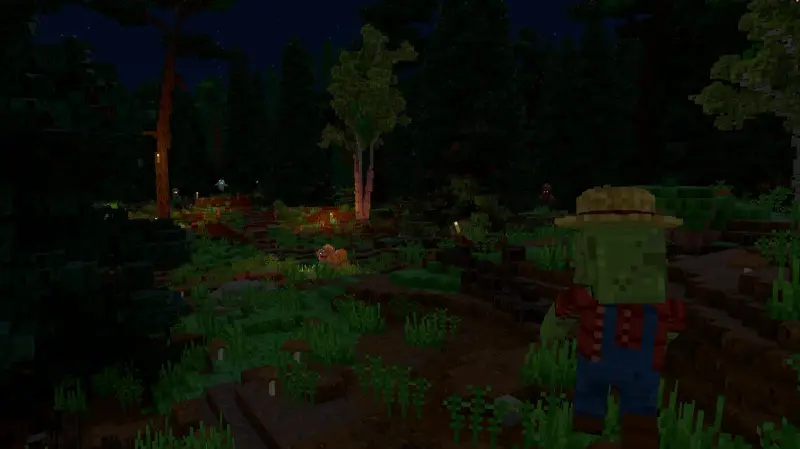
When night falls, the forest changes its face. Some things only come out in the dark.
 05
05
Coral reefs, fish of every colour, dolphins playing in the light. The ocean is yours too.
 06
06
The mountains on the horizon are real mountains. Everything you can see, you can go to.
The locals
Cats, kangaroos, dolphins, golems, ghosts… each has its own way of moving, running away or attacking you. Spin the island and click on them: you'll see.
The creatures need WebGL2 to leave their island.
Your planet
A block is the size of a brick: a hut, a lighthouse, a whole city, everything is sculpted layer by layer. And everyone builds in their own style.
Hunger, cold, the night… and whatever prowls in the dark. Forge yourself armour that looks like you.
Fire swords, lightning sceptres, boomerangs, rockets that dig into the ground. Weapons you won't forget.
Wingsuit, parachute, paraglider: cliffs finally have a purpose.
Thunderstorms, blizzards, sandstorms. Rain soaks the ground, snow settles on rooftops.
Join a server, or open your world to whoever's at home in one click.
202 skins ready to wear, or your own, painted voxel by voxel.
Read the guide →The jump
There's a cliff.And you have a wingsuit.
Fly.Skim the clouds, dive to pick up speed, climb back up.
Open at the right moment.The canopy snaps open, the world slows down.
And enjoy yourself.Spirals, tight turns, freestyle.
Land wherever you like.
Download
One small file, and your planet is waiting. The game updates itself.
Out now. Openworld is in alpha, and you can play it today.
Nothing to wait for: Openworld is downloaded from this site, not from Steam or any other store.
Apple Silicon (M1 and later) or Intel · macOS 11+
Mac Apple SiliconIntel Mac? Openworld-macos-x64.dmg
Windows 10 or 11, 64-bit
DownloadOpenworld.exe
x64, glibc 2.31+ (Ubuntu 20.04+), Vulkan drivers
DownloadOpenworld-linux-x64.tar.gz
@play_openworld is Openworld's official Instagram page: videos of the game and news of every update.
@play_openworldOpenworld is created by @tompascard
Yes. Openworld has been playable since the first day of its alpha. Download it for Mac, Windows or Linux, create your account in the launcher and play: there is no release date to wait for.
Openworld isn't on Steam or any other store, and you don't need one: you download the game from this site, today, and its launcher keeps it up to date.
Alpha: the game is playable and grows with every update; things move and sometimes break. When it is more stable, it becomes a beta, then its official version. It's the same game all the way: you play now, and the launcher installs each new version by itself.
You play right away, you watch the game grow update after update, and the alpha costs less than the official version will.
Normal for now: the app doesn't have its Apple certificate yet. Click Done, open System Settings → Privacy & Security, scroll down to Openworld and click Open Anyway. Just once.
The installer doesn't have its certificate yet. Click More info, then Run anyway.
Extract the archive and run the program:
tar xzf Openworld-linux-x64.tar.gz && ./OpenworldYou need a Vulkan graphics driver (Mesa or NVIDIA) and glibc 2.31 or newer (Ubuntu 20.04, Debian 11, Fedora 32 or newer).
A Vulkan-capable graphics card (on a Mac, macOS 11 or newer). The game adjusts its view distance and weather quality: a recent laptop is enough.
Update your graphics driver from NVIDIA's, AMD's or Intel's website. On a laptop with two graphics cards, update both. On Linux, install the Mesa Vulkan drivers (mesa-vulkan-drivers).